
🔆 Upgraded DLP Technology & 200 ANSI Lumens
- Features advanced DLP display technology with multi-color image processing
- Delivers 200 ANSI Lumens and an impressive 90% brightness uniformity
- High-resolution optical lens restores accurate, vibrant colors
- Projects up to 200 inches, delivering sharper, richer visuals than LCD projectors
- Ideal for dark or low-light environments for best viewing quality
🔋 Built-in Rechargeable Battery + Power Bank Support
- Equipped with 3500mAh × 2 high-capacity batteries
- Enjoy up to 2.5 hours of playtime on a single charge
- Supports power bank charging for extended use anytime, anywhere
- Perfect for camping trips, travel meetings, bedroom movies, backyard nights, kitchen cooking videos, and creative projects
📶 2.4G/5G WiFi + Bluetooth Connectivity
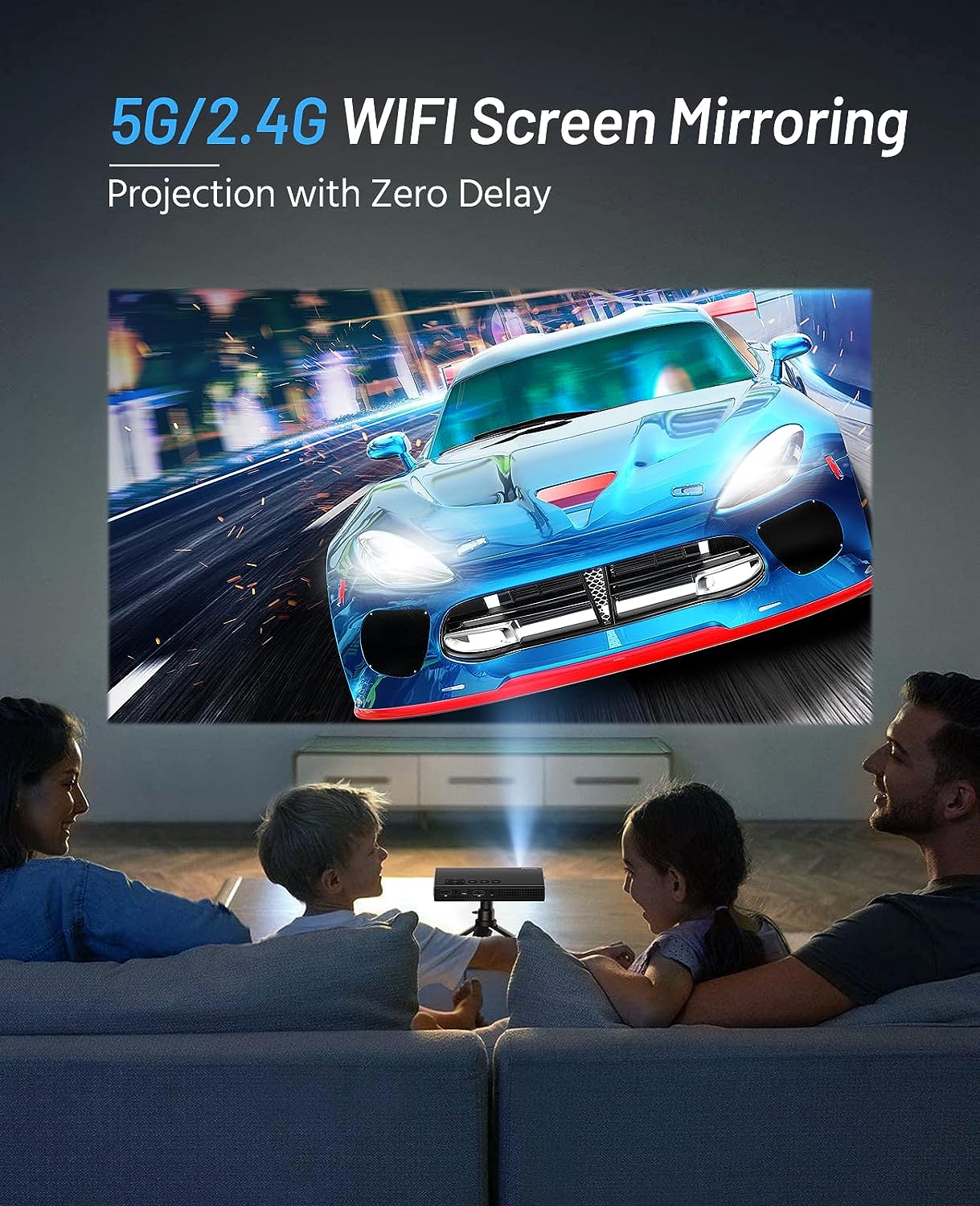
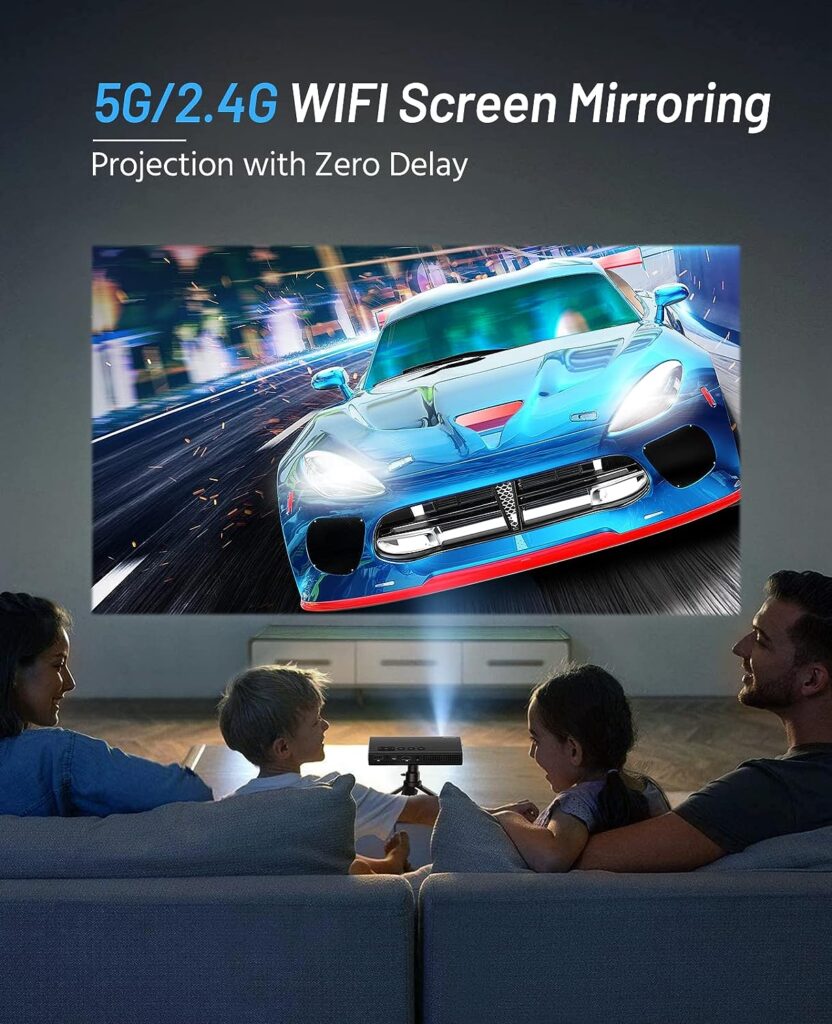
- Dual-band 2.4G/5G WiFi ensures smooth, cable-free screen mirroring for iOS & Android
- 5G WiFi = ultra-fast, stable streaming
- 2.4G WiFi = stronger penetration through walls
- Built-in Bluetooth pairs easily with external speakers for a more immersive audio experience
🎯 40° Auto Keystone Correction & Fast Type-C Charging
- Automatically adjusts image shape with 40° auto keystone correction
- Equipped with a Type-C port supporting fast charging—fully charged in just 2 hours
- Multiple input options: USB, HDMI, 3.5mm AUX
- Compatible with iPhone, Android, PS4, TV Stick, and more
🛡️ 3-Year Warranty & Premium Support
- Comes with a 3-year warranty and lifetime technical support
- Dedicated customer service team responds within 24 hours
- Enjoy worry-free usage with reliable, long-term support
1)Click the “Setup”
2)click “down” button twice to “Wi-Fi” selection ,and click ““Wi-Fi” selection into “WALN Setting” page
3)select your wifi and input the password to finish connecting. The yellow icon will be showed after you finish connecting.
4)You will see the WIFI logo in upper right corner when you finish connecting the wifi.
Why cannot watch Netflix and Amazon prime on A1 projector?
Due to HDCP copyright issues,Netflix, Amazon Prime, Disney and so on, please connect the projector to your laptop or use Fire Stick to enjoy the video.
Why A1 projector cannot be charged?
When charging the projector, the input current and voltage must exceed 12V/1.5A or 9V/2A, or it can not be fully charged. When the input current and voltage are 9V/1.5A, it can only be charged by 60%.
Why is the projector display available but without audio?
1: The projector or the connected device (PC, TV, etc.) is muted.
2: The video format is not supported by the projector.
3: Fire stick: Enter “Setting” and find “Display & Sound”. Then select “navigation sounds”. Select Stereo for “surround sound”.
Can I connect a USB flash drive/hard drive or a mobile phone through the Type-C interface?
No dear, The the Type-C interface only for charging .
Why can’t we watch the video after sharing the same screen with the mobile phone through WiFi?
After the screen mirror, if the video exceeds 30 frames per second, the projector cannot watch it. Please set the video below 30 frames per second for normal viewing.
Reviews
There are no reviews yet.